ODOO4projects

A BRIEFING FOR ANDREW · ODOO COMMUNITY HOSTING

Odoo Community as a first-class citizen

Hosted, managed and treated as a real product, with the ease of other solutions baked in.

Community is the edition you can own, extend and verify. It should not cost you a weekend of server work to keep it alive. We run it as managed hosting: provisioned in about five minutes, in six regions, with backups, a certificate and updates already handled. You get the edition that rewards an implementer, without the infrastructure chore that usually comes with it.

What you get

Live in about five minutes

Order an instance and use it the same day. No server to order, no stack to install.

Six regions

Amsterdam, Boston, Manchester, Mumbai, São Paulo, Sydney. Put the instance near the team using it.

Backups running, SSL issued

Automatic rotating backup slots and a free SSL certificate on every domain. On Side Hustle one slot; four on On the Rise and Powerhouse.

Modules by Git, not by FTP

Push custom modules with Git, or install them in one click with Quick Git. There is no FTP.

Management inside Odoo

Applications, users and modules from one panel, in the same place you do the work.

A support bot, and humans behind it

The AI bot handles the instant fixes; our team handles the rest. Your UUID is the key.

An agent that can actually touch the server

Every instance ships with an MCP server preinstalled. It is the bridge between your agent and the machine it runs on, and it is not read-only. Through it, an agent can:

  • restart the server;
  • create a backup, or reinstall one;
  • read the logfiles;
  • install modules.

That turns a support question into a one-line action. Ask for the log tail instead of describing the symptom; ask for a restart instead of waiting for one. The same server also answers in plain language: the support agent in your dashboard takes the question you actually typed, and the human team is behind it when the answer needs a person.
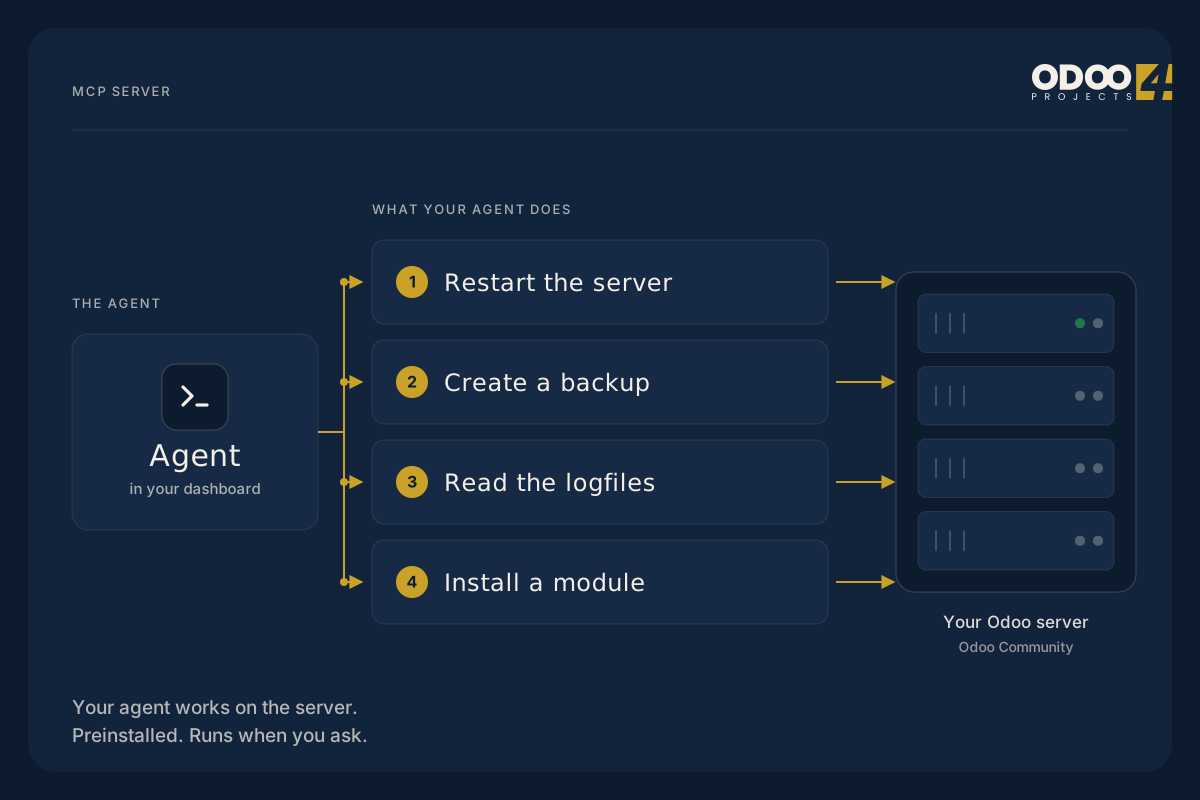
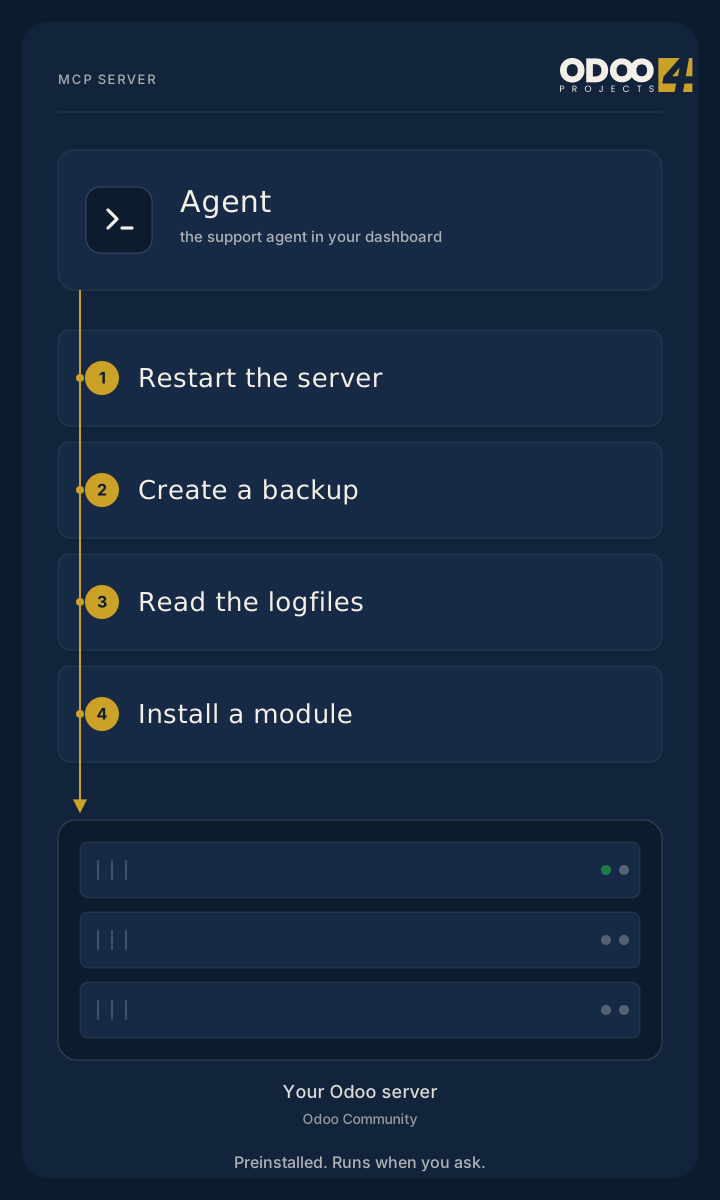
An agent acting on your Odoo server: restart the server, create a backup, read the logfiles, install a module. An agent acting on your Odoo server: restart the server, create a backup, read the logfiles, install a module.
The MCP server on every instance: restart, backup, restore, logfiles, modules.

The console: your Odoo, managed from inside Odoo

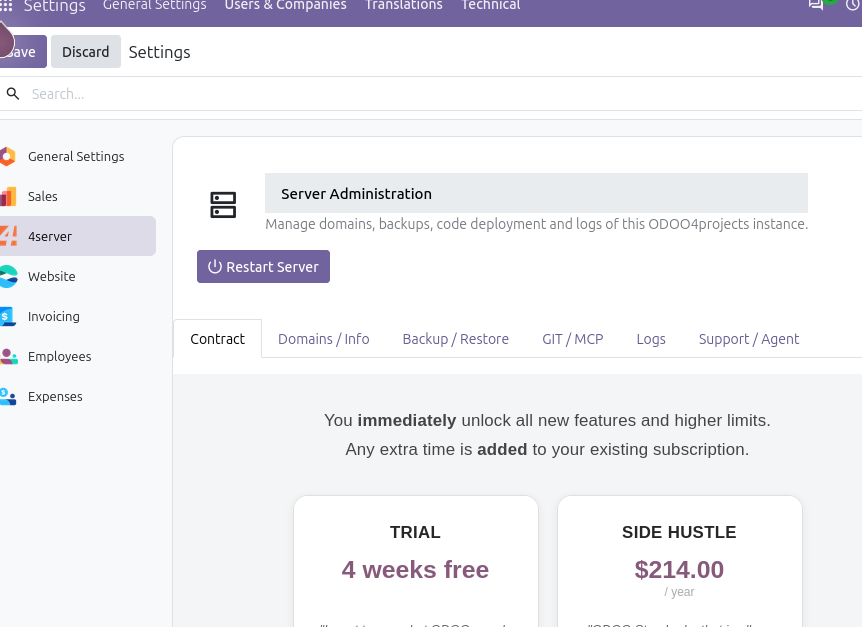
The management console is the central place you run the instance from — no separate admin portal, no SSH habit required. It sits with your Odoo and it is where the operational jobs live.

The ODOO4projects management console: applications, users, modules, contacts, domain routing and backups in one panel.
The management console: applications, users, modules, contacts, domain routing and backups, in one panel inside your Odoo.

Pro tip: when your server does not come back because you checked in a bad module, recover it 24/7 with the support bot on our homepage.

Pricing

Hosting is billed annually, at list price. No setup fee.

Plan details and current pricing: https://odoo4projects.com
Empire is quoted per setup — request one at https://odoo4projects.com/support.html#contact

Some other information

What we are

ODOO4projects is managed Odoo Community hosting. We run the servers, the backups, the certificates and the updates. You run your business on the instance, and you can still look under the hood whenever you want to — it is Community, and it is yours to extend.

Where your instance lives

Amsterdam · Boston · Manchester · Mumbai · São Paulo · Sydney

Free trial

Every plan starts with a 30-day free trial, no card required — a trial runs without backups and without a custom domain.

Demo checklist — what to show on camera, in order

  1. Provision a new instance and time it. About five minutes, provisioning to login.
  2. Open the management console and walk the panel. Applications, users, modules, contacts, routing, backups.
  3. Change a domain route from inside Odoo, then show the free SSL certificate on the new domain.
  4. Push a module with Git, then install one in a click with Quick Git. Point out there is no FTP.
  5. Ask the agent, over MCP, to read the logfile tail. Then ask it to restart the server.
  6. Take a backup, then reinstall it. Show the rotating slots.
  7. Break it on purpose: install a bad module, let the server stay down, then recover it with the support bot on the homepage. It is 24/7.